
Structure by territory and responsibility
Group vehicles by region, base, zone or sector. Configure the levels and owners your organisation needs.
NUCLERION · Institutions
Location and follow-up by sector for policing, support logistics and civil protection. New information sources are integrated by project.

DEVICES · DATA · OPERATIONS
NUCLERION ENTERPRISE
From patrols to logistics support: organise vehicles by zone, sector or base. Define who can view each group and who follows up on its incidents.
Group vehicles by region, base, zone or sector. Configure the levels and owners your organisation needs.
View your vehicles on the map and define areas with geofences. Give every location context.
See who responded, what they recorded and how each incident changed status. Configure response times and escalation for your service.
Operational scenarios
Vehicles by sector, with access and responsible teams.
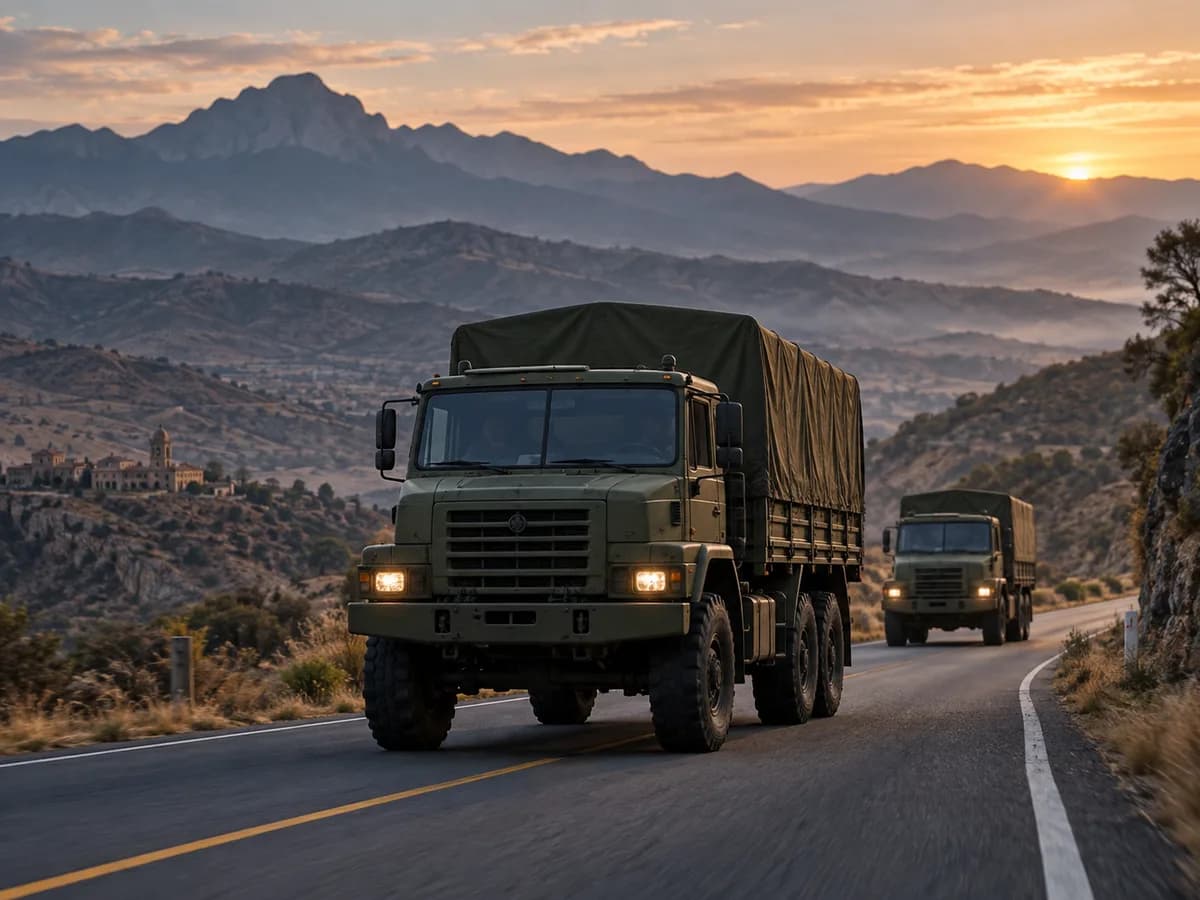
Location and journeys of logistics support vehicles.
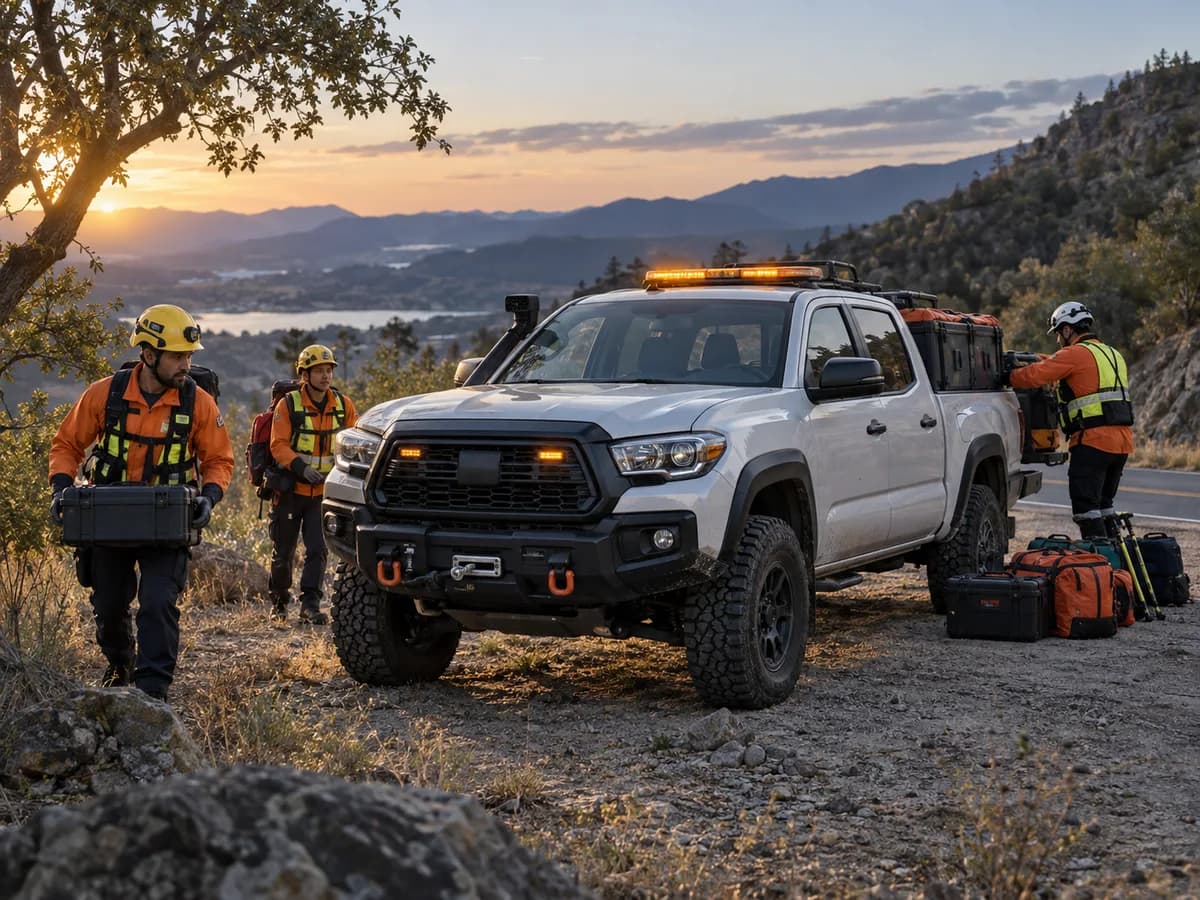
Vehicles by area and incident follow-up.
Illustrative use cases and images, not customer stories.
Location-enabled radios, cameras and field sensors: we assess integration with your institution's infrastructure and data.
Explore in depthTerritorial observation, flooding and RF context for civil protection, infrastructure and institutional projects.
Explore geospatial intelligenceWe review your equipment and the information it generates to design its connection with Nuclerion. Your infrastructure, priorities and ways of working shape the project.
We start with your vehicles, reporting frequency, users and operating processes. We define the configuration and validate it with your devices before agreeing on deployment.
How we begin
Define assets, users, zones and responsibilities. Identify the decisions your team needs to make.
Review models, connectivity and available data. Agree on acceptance checks and test real devices before deployment.
Configure groups and access, document validated features and agree on support, retention and continuity.
THE NEXT STEP STARTS WITH YOUR OPERATION.
Already a customer?