
Journeys, stops and reports
Review journeys, stops and events. Generate reports for a period to understand what happened.
NUCLERION · Business
Visibility for logistics, secure transport and field services. Connect vehicles, organize teams and follow up on what happens.

DEVICES · DATA · OPERATIONS
NUCLERION ENTERPRISE
See where your vehicles are, review their journeys and organise your fleet by region, base or team. Assign an owner to each incident and keep a record of follow-up.
Review journeys, stops and events. Generate reports for a period to understand what happened.
View your vehicles on the map and define areas with geofences. Give every location context.
Define which vehicles each user can view and which actions they can take, including history access and exports.
Operational scenarios
Fleet locations, journeys and stops in one place.
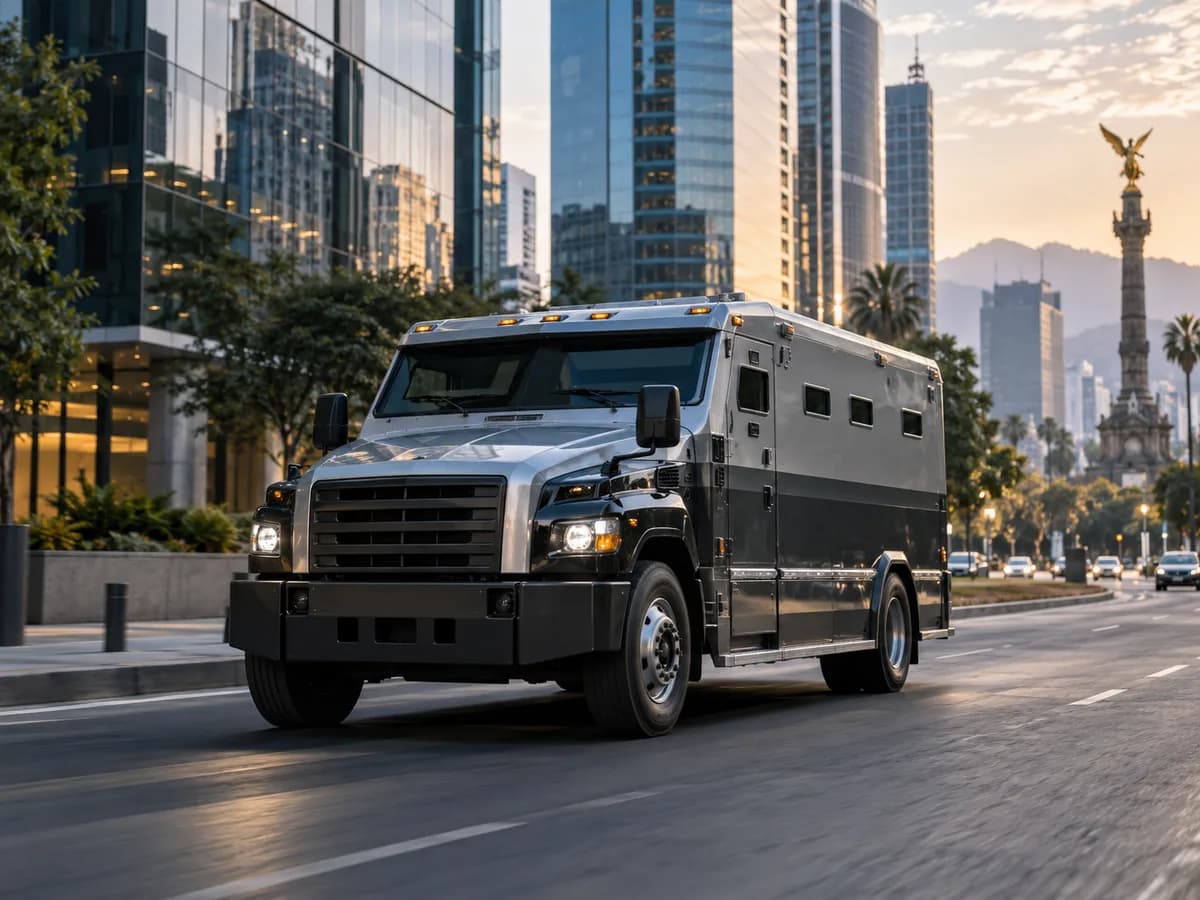
Locate vehicles and follow up on their incidents.

Organise vehicles by base and review their journeys.
Illustrative use cases and images, not customer stories.
Expand your project with cameras and sensors for cargo, assets or facilities. Together, we'll assess the connections and functions you need.
Explore in depthExplore satellite observation and geographic context for facilities, logistics corridors and distributed assets.
Explore geospatial intelligenceWe review your equipment and the information it generates to design its connection with Nuclerion. Your infrastructure, priorities and ways of working shape the project.
We start with your vehicles, reporting frequency, users and operating processes. We define the configuration and validate it with your devices before agreeing on deployment.
How we begin
Define assets, users, zones and responsibilities. Identify the decisions your team needs to make.
Review models, connectivity and available data. Agree on acceptance checks and test real devices before deployment.
Configure groups and access, document validated features and agree on support, retention and continuity.
THE NEXT STEP STARTS WITH YOUR OPERATION.
Already a customer?